Websites · November 25, 2026 · 5 min read
What to put on a small business homepage (and what to skip)
Visitors decide in seconds whether you're the right business. Here's what your homepage needs to answer, and what can wait for another page.
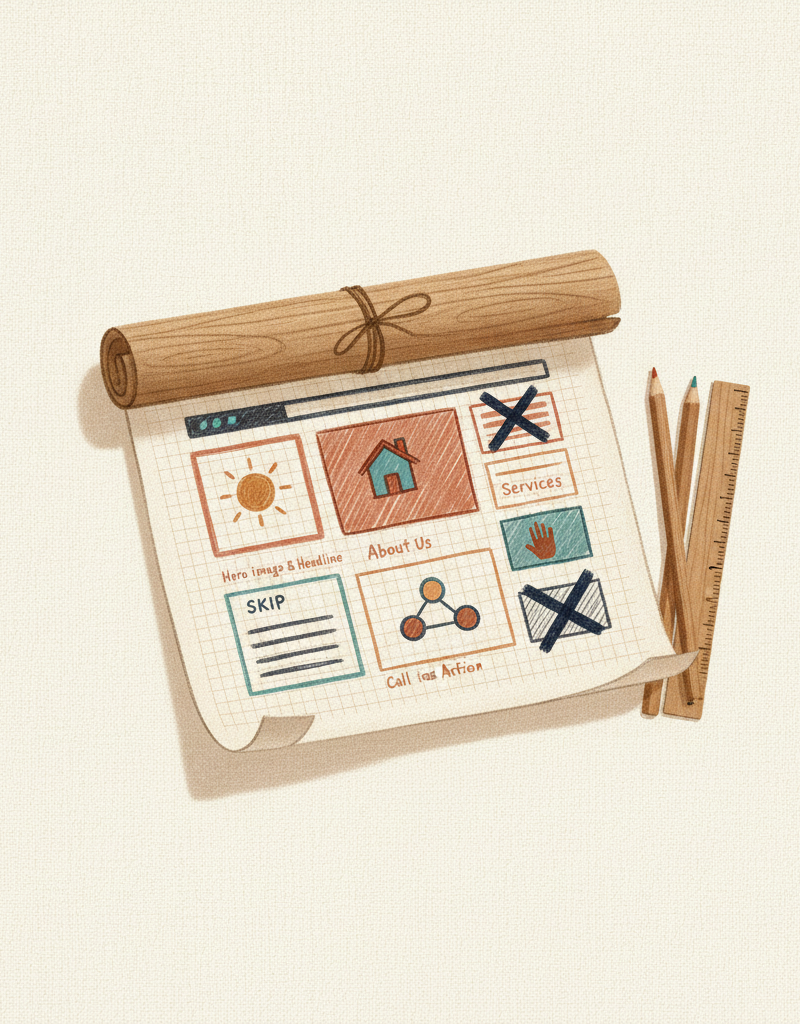
Visitors land on your homepage and decide in a few seconds whether you're the right business. They aren't reading. They're scanning for proof they're in the right place.
Your homepage has one job: answer a handful of questions fast, then point people to the next step. Everything else belongs on another page.
The four questions your homepage must answer
What do you do? Put it in the first line, in plain words. "Mobile dog grooming in Tulsa" beats "Pampering your pet's journey to wellness." If a stranger can't tell what you sell within five seconds, they leave.
Who is it for? Name the customer or the place. "Family law for parents in Denver" tells the right people they've arrived and tells everyone else to move on. That's a good thing.
Why should I believe you? This is where a few trust signals earn their space: a short customer quote, a review count, a recognizable client name, a license or certification, or a photo of you or your team. One or two real ones beat a wall of badges. Trust signals every homepage needs covers which ones matter most.
What do I do next? Pick one main action: call, book, request a quote, or buy. Make it a button that stands out, and repeat it further down the page. If you offer five equal choices, most people pick none.
What goes at the top of the page
The top screen, before anyone scrolls, should hold your business name or logo, a one-line headline saying what you do, a sentence of support, your main button, and a way to reach you. On a phone, that might mean a tap-to-call number.
Use a real photo of your work, your shop, or yourself. Generic stock handshake photos tell visitors nothing. If you need help picking images, how to choose images for your business website walks through it.
Check this on your phone first. Most small business visitors arrive on one, and a headline that fits nicely on a laptop can push your button off the screen.
What to put below the fold
After the top section, add a few short blocks in this order:
- Your main services or products. Three to six, each with one line of description and a link to more detail. Don't paste your whole price list here.
- Proof. Testimonials, reviews, or a few photos of finished work.
- A short "how it works" section, if your process isn't obvious. Three steps is plenty.
- A second call to action, repeating the first.
- A footer with your address, phone, email, hours, and links to key pages. What to put in your website footer has the full list.
Keep each block short. If someone wants depth, they'll click.
What to skip (or move to another page)
- Your life story. A two-line intro is fine. The full history goes on an About page.
- Long service descriptions. Give each service its own page and link to it.
- Sliders and auto-rotating banners. Visitors rarely wait for slide three, and they slow the page down.
- Welcome messages. "Welcome to our website!" wastes your most valuable line.
- Every credential you've ever earned. Pick the ones a customer cares about.
- Pop-ups the second someone arrives. Let people look around first.
- A blog feed front and center, unless the blog is your main business.
- Industry jargon. Write the way a customer would describe the problem to a friend.
If you're unsure which pages you need beyond the homepage, which website pages small businesses really need sorts that out.
Takeaways
- Answer four things fast: what you do, who it's for, why to trust you, and what to do next.
- Lead with a plain headline and one clear button, not a slogan.
- Use real photos and one or two genuine proof points.
- Move long stories, full price lists, and detailed service pages off the homepage.
- Check it on your phone before you call it done.
If you don't have a site yet, launch a one-page site this weekend using the structure above. A homepage that answers those four questions is already ahead of most.
Related reading
More on websites →
How much does a small business website really cost?
Most small businesses spend between $0 and a few thousand dollars. Here's what each price tier gets you, and where the surprise costs hide.
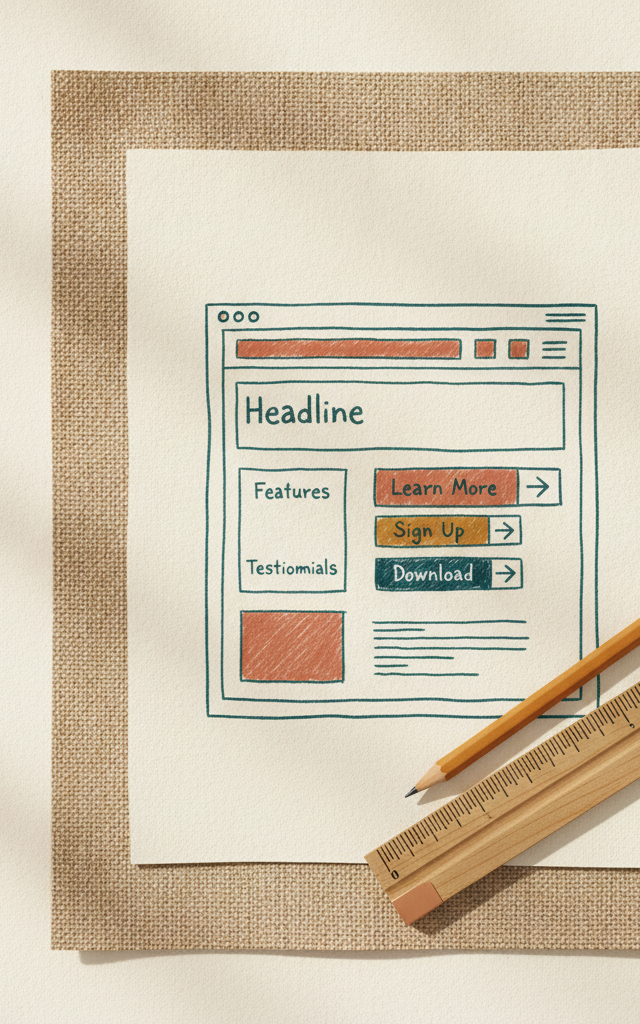
How to add calls to action to your website that get clicks
Most small business sites don't tell visitors what to do next. Here's where to put calls to action, what to say, and how many you need.

How to choose a website color palette that fits your business
Pick three or four colors, test them for readability, and stop second-guessing. Here's a simple way to settle on a palette without hiring a designer.