Websites · August 20, 2026 · 4 min read
What to put in your website footer
Your website footer is more than just copyright text. It's a key spot for important information that builds trust and helps visitors.
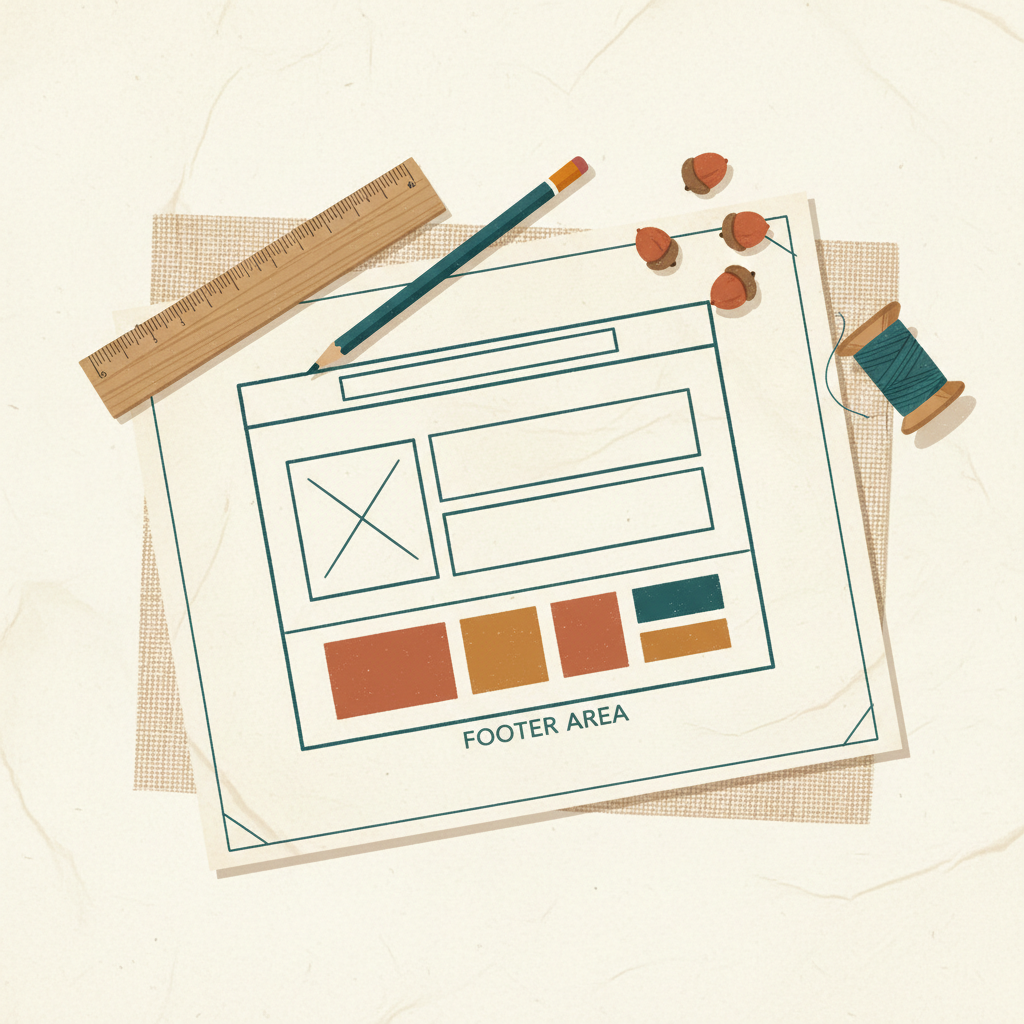
Your website footer is often overlooked. It's not just a place for a copyright notice. This small area at the bottom of every page is important for building trust and helping visitors find what they need.
Why Your Footer Matters
Think of your website footer as the last stop for information. Visitors who scroll all the way down are often looking for something specific. They might be searching for contact details, legal information, or links to other parts of your site. A well-organized footer makes it easy for them to find these things. This improves their experience and builds confidence in your business.
A good footer also shows that you are professional and transparent. It confirms your business legitimacy and helps avoid common questions.
Essential Information for Every Footer
Some information belongs in every business website footer. This content helps visitors, protects your business, and meets basic expectations.
- Copyright Notice: This protects your website content. It usually includes the copyright symbol (©), the year, and your business name. For example: "© 2024 Your Business Name."
- Privacy Policy: This document explains how you collect, use, and protect visitor data. It's a legal requirement in many places, especially if you collect any personal information (like email addresses or names).
- Terms of Service/Use: If your website offers services, products, or has specific rules for visitors, you need a Terms of Service page. This outlines the legal agreement between you and your users.
- Contact Information: Make it easy for people to reach you. Include your business email address, phone number, and a link to your contact page. A physical address can also be helpful if you have a brick-and-mortar location.
- Sitemap Link: A sitemap helps search engines understand your website structure. A link to your sitemap page can also help visitors find specific pages if they're having trouble navigating.
Building Trust and Providing Navigation
Beyond the essentials, your footer can also be a powerful tool for trust and navigation.
- Social Media Links: Connect your website to your social media profiles. Use small icons that link directly to your pages on various platforms. This lets visitors engage with your business in other ways.
- Business Hours: If you have a physical location or specific service hours, list them clearly. This manages expectations and prevents wasted trips or calls.
- Location/Directions: For local businesses, a link to a map or your address is very helpful.
- Accreditations or Certifications: If your business has special certifications, awards, or belongs to industry associations, display small logos here. This adds credibility.
- Key Service/Product Links: Sometimes, you have important pages that don't fit into your main navigation. The footer is a good place for links to "Our Services," "Our Products," "FAQ," or "About Us."
Keep It Clean and Simple
While it's tempting to put everything in your footer, remember that less is often more. A cluttered footer is hard to read and can overwhelm visitors.
Organize your footer links into logical groups. Use clear headings if you have many links. For example, you might have sections for "Legal," "Connect," and "Explore." Make sure the text is readable, even at a smaller size. Your footer should complement your website design, not distract from it.
Takeaways
- Your website footer is a valuable space for important information.
- Always include copyright, privacy policy, and terms of service.
- Make your contact information easy to find.
- Use the footer to link to social media and key internal pages.
- Keep the design clean and organized for easy reading.
Taking the time to set up a thoughtful footer improves your website's professionalism and user experience. If you're ready to build your website, start with a reliable website builder.
Get more like this
One short, useful note in your inbox each week, written for people running real businesses.
Up next
Previous · Trust
Show Your Privacy Policy: Build Trust and Stay Compliant
A clear privacy policy on your website helps customers trust you and keeps your business on the right side of online regulations.
Next · Websites
Build a Contact Page That Gets You Business
Your website's contact page is more than just a form; it's a direct line for customers to reach you and a key tool for building trust.