Websites · August 19, 2026 · 5 min read
Build a Contact Page That Gets You Business
Your website's contact page is more than just a form; it's a direct line for customers to reach you and a key tool for building trust.
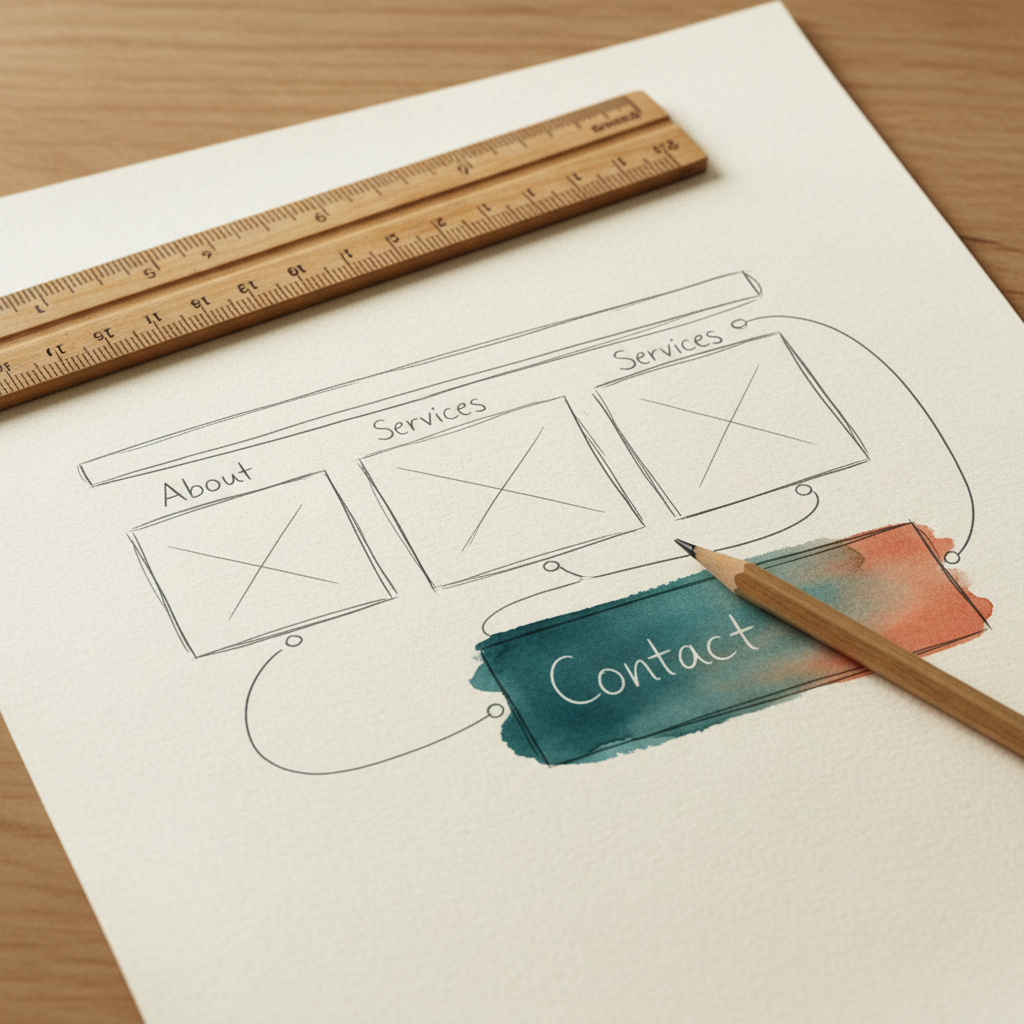
Your website's contact page is where potential customers turn when they want to connect. It's a critical spot. A well-made contact page makes it easy for people to reach you, turning interest into actual business.
Make It Easy to Find Your Contact Information
The first rule of a contact page is to make it visible. Don't hide it. Most websites put a "Contact Us" link in the main menu or in the footer. This is what people expect.
Your contact page should clearly display all the ways someone can get in touch. Think about the different reasons someone might want to reach you.
- Email Address: This is a must-have. Use a professional email address that matches your domain, like
info@yourbusiness.com. Avoid using a generic free email address. - Phone Number: If you handle calls, put your phone number front and center. Make sure it's correct and easy to dial from a mobile phone.
- Physical Address: If you have a brick-and-mortar location where customers can visit, include your full address. Add a simple map or directions if it's hard to find.
- Hours of Operation: Tell people when you're available. This sets expectations and reduces frustration.
Use a Simple Contact Form
While direct contact info is important, many people prefer to use a contact form. It's convenient for them and helps you manage inquiries.
A good contact form is short and to the point. Only ask for the information you absolutely need to respond. Too many fields can make people give up.
Basic fields to include:
- Name
- Email address
- Subject or reason for contact
- Message
Avoid complex forms with dropdowns or optional fields unless they are truly necessary for your business. After someone submits the form, show a confirmation message. This lets them know their message went through. You can also set up an automatic email reply to confirm receipt.
Build Trust and Set Expectations
Your contact page is also a place to build confidence. People want to know they're reaching a real business that cares.
- Explain Your Response Time: Let people know when they can expect to hear back from you. For example, "We typically respond within one business day." This manages expectations.
- Add a Call to Action: Encourage people to reach out. Phrases like "We look forward to hearing from you" or "Let's start a conversation" can be effective.
- Include Frequently Asked Questions (FAQs): If you get the same questions often, add a short FAQ section. This can answer common queries without someone needing to contact you directly. It saves both your time and the customer's.
- Link to Other Resources: If appropriate, link to your privacy policy, terms of service, or other relevant pages. This shows transparency.
Keep It Professional and Branded
The design of your contact page matters. It should match the rest of your website's look and feel. Use your business's colors, fonts, and logo. This reinforces your brand.
Make sure the page loads quickly and is easy to use on both computers and mobile phones. A slow or broken contact page can frustrate potential customers and make them leave.
Double-check all your contact details regularly. Test your contact form to make sure it's sending messages correctly. An outdated phone number or a non-working email address means lost business.
Takeaways
- Make your contact page easy to find on your website.
- Offer multiple ways for people to reach you: email, phone, and a simple form.
- Keep your contact form short, asking only for essential information.
- Set expectations for response times to build trust.
- Ensure your contact page design matches your brand and works well on all devices.
A well-crafted contact page doesn't just provide information; it creates an opportunity for connection. If you're ready to set up your professional email address or build out your website, you can find tools and guides to help you get started at domainsbysynergy.com.
Get more like this
One short, useful note in your inbox each week, written for people running real businesses.
Up next
Previous · Websites
What to put in your website footer
Your website footer is more than just copyright text. It's a key spot for important information that builds trust and helps visitors.
Next · Websites
Adding a Blog to Your Business Website
A blog can help your business connect with customers, share updates, and improve your online visibility. Learn how to easily add one to your site.