Websites · July 2, 2026 · 5 min read
Website Design Trends That Help Small Businesses Grow
Learn which design trends can make your small business website more effective and appealing to customers, without needing a full redesign.
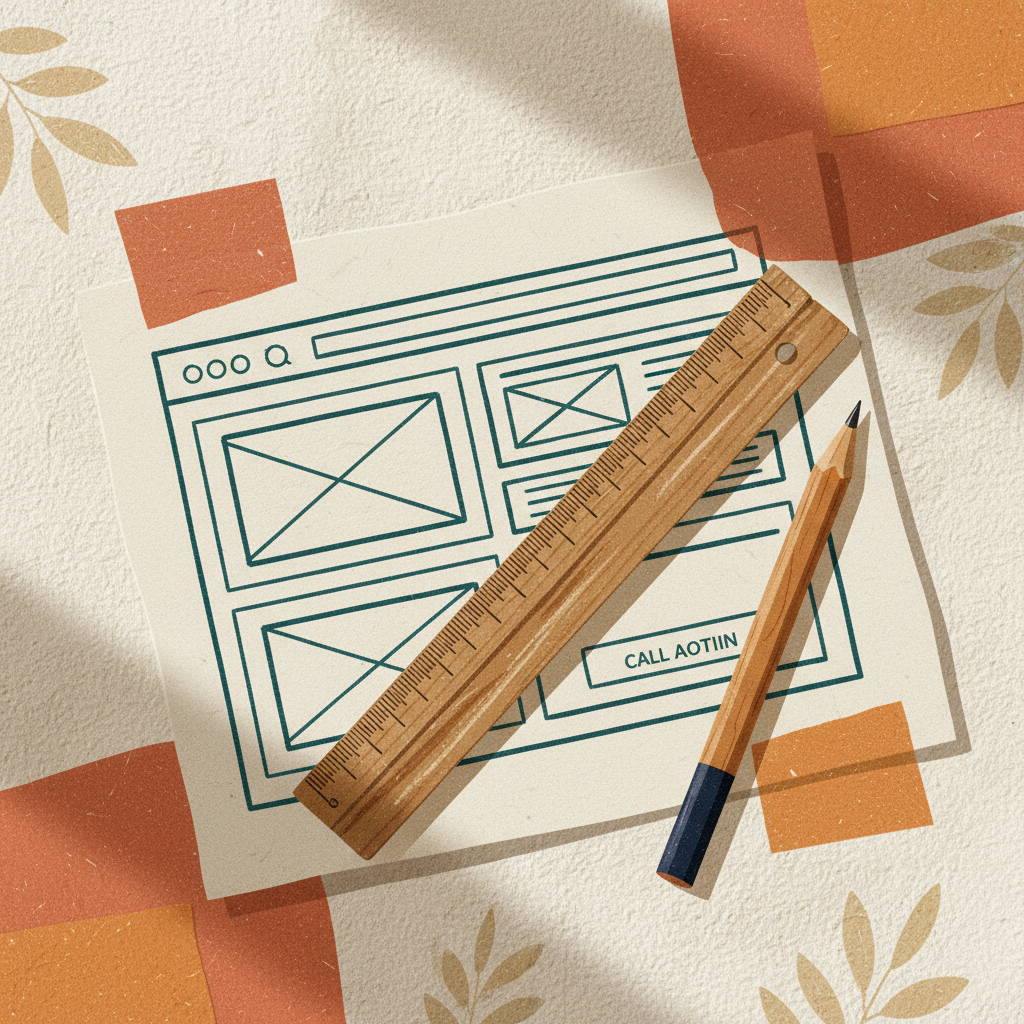
Your website is often the first impression customers have of your business. Keeping its design fresh and effective helps you attract and keep customers. You don't need a complete overhaul to incorporate modern trends. Small, strategic updates can make a big difference.
Focus on Clarity and Simplicity
A cluttered website pushes customers away. Modern design prioritizes clear messaging and ease of use. Think about what you want visitors to do and make that path obvious.
- Clean Layouts: Use plenty of white space around text and images. This makes your content easier to read and absorb. Avoid packing too much information onto one page.
- Intuitive Navigation: Your menu should be simple and easy to understand. Customers should find what they need in just a few clicks. Use common terms for menu items like "Services," "About Us," and "Contact."
- Clear Calls to Action (CTAs): What do you want visitors to do? "Shop Now," "Get a Quote," or "Call Us" are examples of clear CTAs. Make them stand out with contrasting colors and prominent placement.
Mobile-First Experience is Essential
Most people browse the internet on their phones. Your website must work perfectly on a small screen. This isn't a trend; it's a requirement.
- Responsive Design: Your website should automatically adjust its layout to fit any screen size, whether it's a desktop, tablet, or smartphone. Text should be readable, and buttons should be easy to tap.
- Fast Loading Times: Mobile users expect quick results. Large images or complex animations can slow down your site. Optimize your images for the web and consider using a content delivery network (CDN) if your site has many media files.
- Easy-to-Use Forms: Filling out forms on a phone can be frustrating. Keep forms short, use large input fields, and ensure buttons are easily clickable.
Visual Storytelling with High-Quality Media
People connect with visuals. Using good photos and videos can tell your business's story more effectively than text alone.
- Professional Photography: Invest in high-quality photos of your products, services, and team. Authentic images build trust and make your business more relatable. Avoid generic stock photos if possible.
- Short Videos: A brief video demonstrating a product or introducing your team can be very engaging. Keep videos concise and to the point, often under 60 seconds.
- Branded Graphics: Consistent use of your logo, brand colors, and fonts reinforces your brand identity. Even simple graphics can make your site look more polished.
Personalization and Interactivity
Making your website feel more personal can improve the customer experience. Small interactive elements can also keep visitors engaged.
- Live Chat or Chatbots: Offering immediate answers to questions can reduce customer frustration and help close sales. A simple live chat feature can be very effective.
- Personalized Content (Subtle): If your website has a login area, you might show recently viewed items or suggest services based on past interactions. For most small businesses, this might mean simply addressing repeat visitors more directly.
- Interactive Elements: Simple quizzes, calculators, or before-and-after sliders can make your site more engaging. Use these sparingly, only when they add real value.
Accessibility for Everyone
Designing for accessibility means ensuring your website is usable by people with disabilities. This is not only good practice but can also expand your customer base.
- Clear Text and Contrast: Use fonts that are easy to read and ensure there's enough contrast between text and background colors.
- Alt Text for Images: Describe your images using "alt text." This helps screen readers describe images to visually impaired users and improves your search engine optimization.
- Keyboard Navigation: Make sure your entire website can be navigated using only a keyboard, not just a mouse. This helps users who cannot use a mouse.
Takeaways
- Keep your website clean, simple, and easy to navigate.
- Ensure your site works perfectly and loads fast on mobile devices.
- Use high-quality photos and videos to tell your story.
- Add subtle personal touches or interactive elements.
- Design your site so everyone can use it, including those with disabilities.
Even small updates to your website's design can significantly impact how customers perceive and interact with your business. If you're ready to make these changes, ensure your website is built on a solid foundation. You can find robust website building tools and hosting options that support modern design through a reputable provider.
Get more like this
One short, useful note in your inbox each week, written for people running real businesses.
Up next
Previous · Websites
Website Analytics: What to Track and Why
Understanding basic website analytics helps you see what's working and what's not, guiding smarter decisions for your online business.
Next · Email
Automate Your Email Marketing
Email automation helps you send the right message at the right time, without daily effort. Learn how to set it up for your small business.