Websites · June 20, 2026 · 5 min read
Make Your Small Business Website Accessible
Learn why website accessibility matters for your business and how to make your site usable for everyone, including those with disabilities.
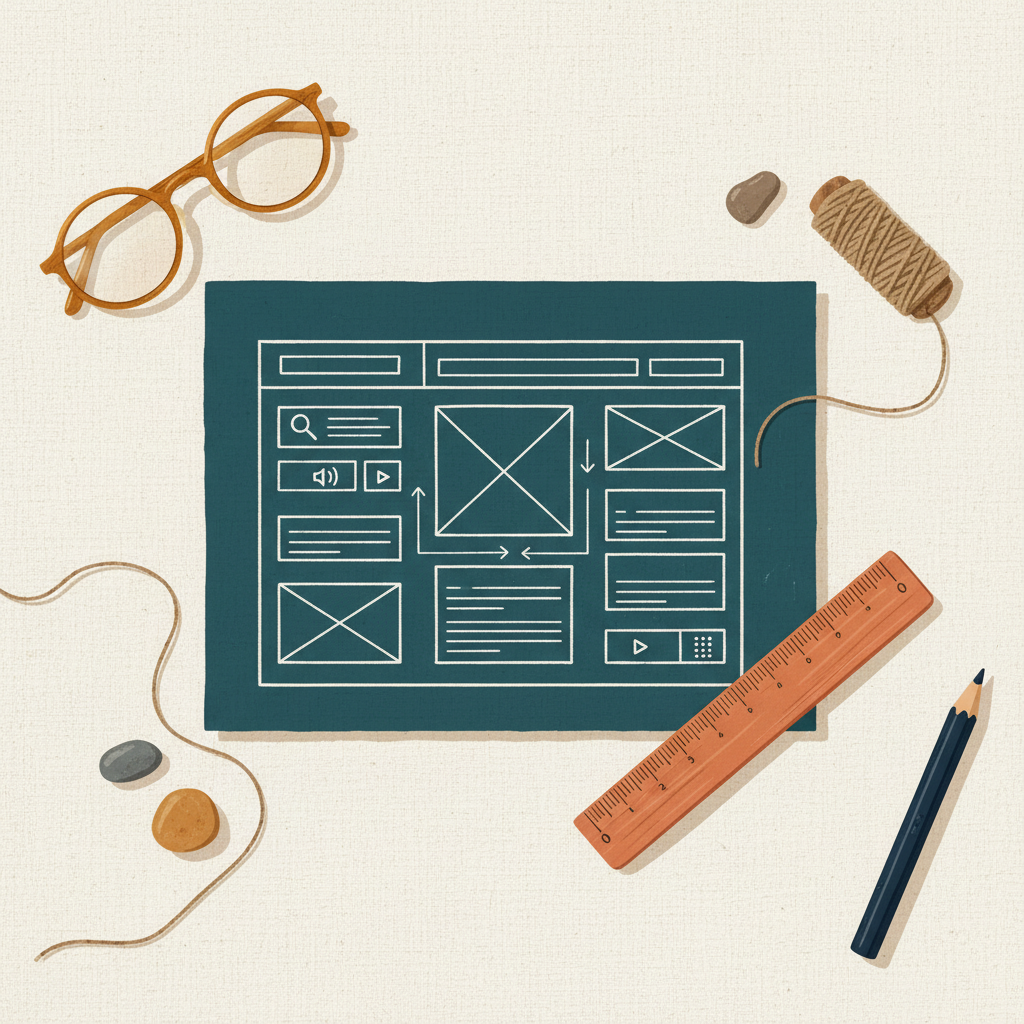
Making your small business website accessible means making it usable for everyone. This includes people with disabilities who might use screen readers, voice commands, or other tools to navigate the internet. An accessible website benefits your business and serves all your customers better.
Why Website Accessibility Matters
Website accessibility isn't just about compliance; it's about good business practice. When your site is accessible, you reach a wider audience. People with disabilities represent a significant market. If your site isn't usable for them, you're missing out on potential customers and revenue.
Beyond market reach, an accessible website can improve your search engine optimization (SEO). Many accessibility best practices, like clear site structure and descriptive image tags, also help search engines understand your content. This can lead to better rankings and more traffic.
Finally, an accessible website shows that your business is inclusive and cares about all its customers. This builds trust and strengthens your brand reputation.
Key Areas for Website Accessibility
You don't need to be a web developer to understand the main parts of an accessible website. Focus on these areas:
Clear Structure and Navigation
Your website should be easy to understand and navigate for everyone.
- Headings: Use proper headings (H1, H2, H3) to organize your content. This creates an outline that screen readers can follow. Don't just make text bold; use real heading tags.
- Logical Flow: Ensure the order of content on your page makes sense.
- Keyboard Navigation: Make sure all parts of your site can be accessed using only a keyboard, without a mouse. This is crucial for many assistive technologies. Test your site by tabbing through links and forms.
Alt Text for Images
Images are a common place where websites become inaccessible. Screen readers cannot "see" images.
- Descriptive Alt Text: Every image that conveys information should have "alt text" (alternative text). This is a short description of the image's content and purpose. For example, instead of
alt="logo", usealt="Biz Online Kit logo, a blue and orange icon". - Decorative Images: If an image is purely decorative and doesn't add meaning, its alt text should be empty (
alt=""). This tells screen readers to skip it.
Readable Text and Color Contrast
Ensure your text is easy to read for everyone, including those with visual impairments.
- Font Size: Use a font size that is large enough to read comfortably. Avoid very small text.
- Color Contrast: The contrast between your text color and background color must be strong enough. Light gray text on a white background, for instance, can be very hard to read. There are online tools to check color contrast ratios.
- Avoid Color-Only Information: Don't use color alone to convey meaning. For example, if you highlight required form fields in red, also add an asterisk or text label.
Accessible Forms and Interactive Elements
Forms, buttons, and other interactive parts of your site need special attention.
- Labels for Form Fields: Every input field in a form (like name, email, message) needs a clear, associated label. Screen readers use these labels to tell users what information to enter.
- Clear Instructions: Provide clear instructions for filling out forms.
- Error Messages: If there's an error in a form submission, the error message should be clear and easy to understand, and it should guide the user on how to fix the problem.
How to Check Your Website's Accessibility
You don't need to hire an expert to start.
- Manual Checks: Use your keyboard to navigate your site. Try resizing your browser window. Experiment with different font sizes in your browser settings.
- Browser Extensions: Many web browsers offer free extensions that can check for common accessibility issues.
- Online Scanners: Several free online tools can scan your website for basic accessibility problems and suggest fixes.
Takeaways
- Website accessibility expands your customer base and improves your brand image.
- Accessible websites often perform better in search engine rankings.
- Focus on clear site structure, descriptive image alt text, readable text, and accessible forms.
- Regularly check your website for accessibility issues using simple tools.
Making your website accessible is an ongoing process, not a one-time task. Start with the basics, and make accessibility a part of how you manage your online presence. If you're just starting your business online, consider using a good website builder or professional email service. You can explore options for a domain, website, and professional email at domainsbysynergy.com.
Get more like this
One short, useful note in your inbox each week, written for people running real businesses.
Up next
Previous · Websites
Local SEO for Small Business: Get Found in Your Area
Learn simple steps to help your business appear higher in local search results and attract nearby customers.
Next · Email
Clear Emails: Better Customer Service
Learn simple rules for writing customer service emails that are clear, helpful, and professional, making your business look good.