Websites · August 7, 2026 · 5 min read
Build a Simple Website That Works for Your Business
Your small business website doesn't need to be fancy to be effective; focus on clarity, ease of use, and getting your message across clearly.
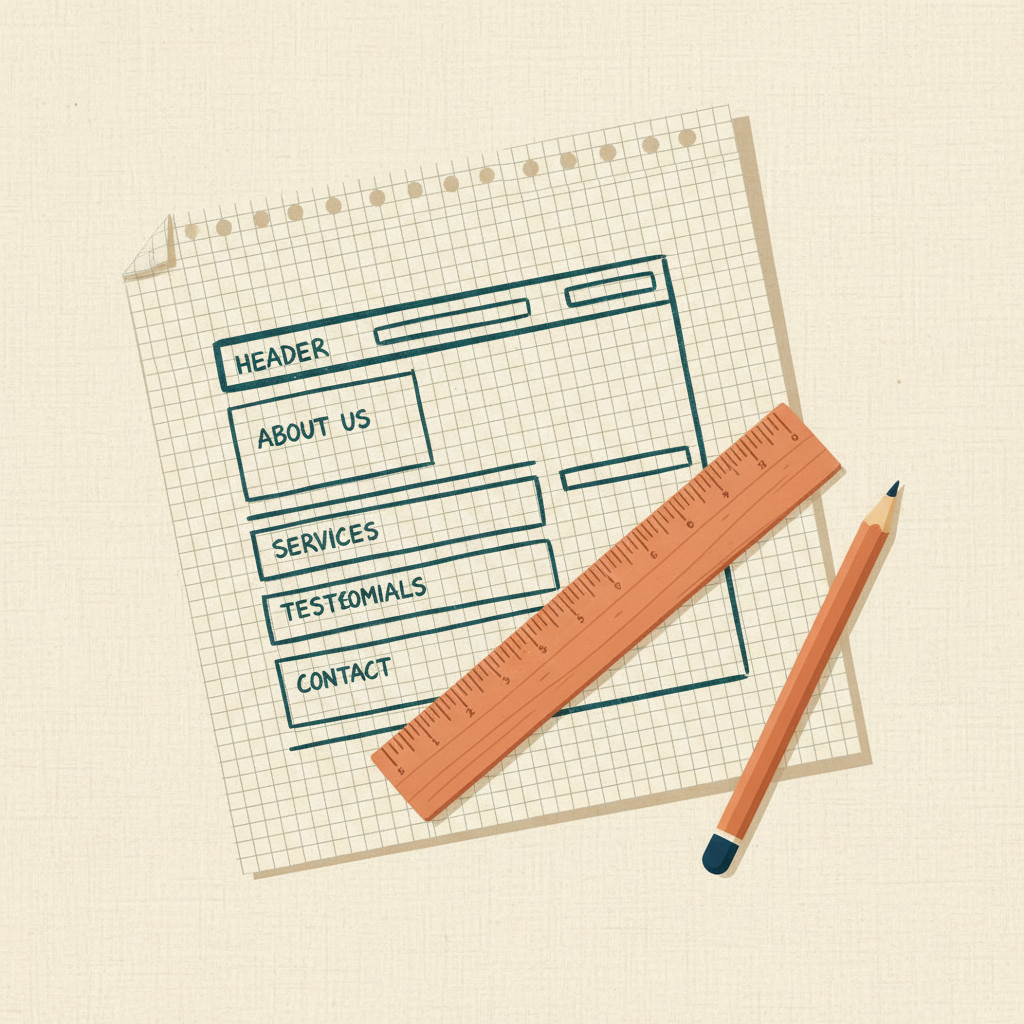
Getting your business online with a simple website can feel overwhelming. Many small business owners think they need a complex, expensive site to make an impact. This is not true. Your website just needs to clearly communicate what you do, who you serve, and how customers can reach you.
What a Simple Website Needs
Think of your website as an online business card, but better. It should answer core questions quickly.
- Who you are: Your business name and logo.
- What you do: A clear, concise description of your products or services.
- Who you serve: Your ideal customers.
- Why choose you: What makes your business different or better.
- How to contact you: Phone number, email, physical address (if applicable), and social media links.
That's the core. Anything else is extra until these basics are covered.
Focus on Clarity, Not Clutter
When designing your simple website, prioritize clear communication above all else.
- Clean Layout: Use plenty of white space. Don't cram too much information onto one page. Each page should have a single, clear purpose.
- Easy Navigation: Your menu should be straightforward. Common menu items include "Home," "Services" or "Products," "About Us," and "Contact." Avoid deep sub-menus.
- Readable Text: Choose simple, professional fonts. Use a font size that is easy to read on both desktops and mobile phones. Break up long paragraphs into shorter ones. Use headings and bullet points.
- High-Quality Images: If you use images, make sure they are clear, professional, and relevant to your business. Avoid blurry or pixelated photos. You don't need many, but the ones you use should look good.
- Mobile-Friendly Design: Most people will visit your site on a phone or tablet. Your website must look good and be easy to use on smaller screens. This is often called "responsive design."
Essential Pages for Your Simple Site
Even a simple website typically needs a few key pages.
- Homepage: This is your digital storefront. It should instantly tell visitors what your business is about and offer a path to learn more or take action. Include a clear headline and a call to action.
- About Us Page: Tell your story. What inspired you to start this business? What are your values? People connect with businesses that have a human element.
- Services/Products Page: Detail what you offer. Use clear descriptions and, if applicable, pricing or how to get a quote.
- Contact Page: Make it easy for people to reach you. Include your phone number, email address, physical address (if you have a storefront), and a simple contact form.
- Privacy Policy (and Terms of Service if applicable): These are legal necessities. You can often find templates online to help you draft these.
You might also consider a simple "Testimonials" or "Gallery" page if you have customer reviews or examples of your work.
How to Build Your Simple Website
You don't need to hire a developer to build a simple website. Many tools are designed for small business owners.
Look for a website builder that offers:
- Drag-and-drop editing: This makes it easy to arrange content without coding.
- Pre-designed templates: Start with a professional-looking layout and customize it to fit your brand.
- Mobile responsiveness: Ensure your site looks good on all devices.
- Built-in hosting: This simplifies the process, as your website files are stored and served by the same platform.
- Custom domain connection: You'll want to connect your site to your own domain name (e.g., yourbusiness.com).
When choosing a platform, think about your comfort level with technology and how much control you want. The goal is to get your information online clearly and quickly.
Takeaways
- Your website's main job is to communicate clearly, not to be fancy.
- Focus on what you do, who you serve, and how to contact you.
- Prioritize a clean layout, easy navigation, and readable text.
- Ensure your site is mobile-friendly for all visitors.
- Use a website builder that simplifies the process for you.
Getting your business online starts with a strong foundation. Registering a domain name that matches your business is the first step. After that, you can use a website builder to create your simple, effective website and connect it to your professional domain.
Get more like this
One short, useful note in your inbox each week, written for people running real businesses.
Up next
Previous · Websites
How Often Should You Update Your Website Content?
Regularly refreshing your website content keeps it relevant, helps with search engines, and gives customers a reason to revisit.
Next · Websites
Easy Website Navigation: Help Customers Find What They Need
Clear website navigation guides visitors, making it easy for them to find information and take action, which keeps them on your site longer.