Domains · September 19, 2026 · 4 min read
Don't Lose Your Domain: Set Up Auto-Renewal Now
Ensure your business website and email stay online by activating auto-renewal for your domain name. It's a simple step to prevent big problems.
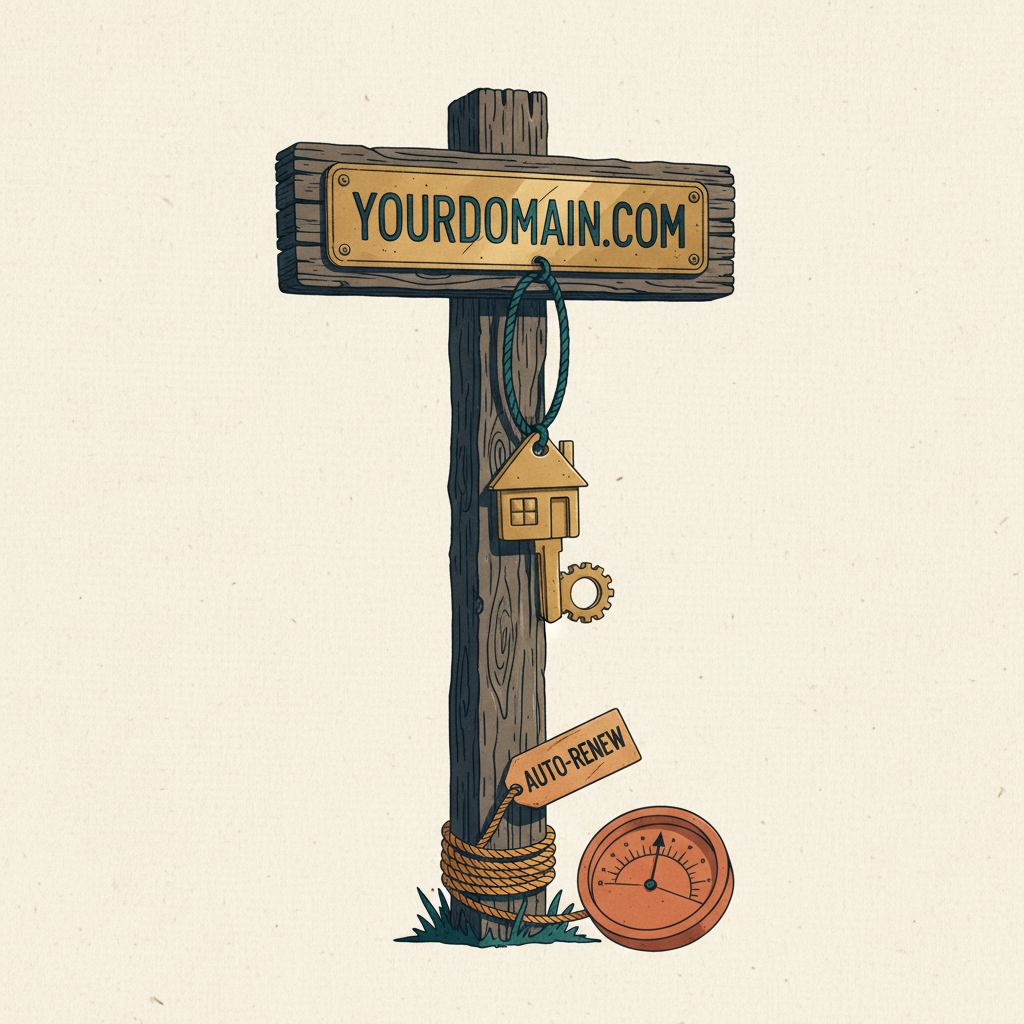
Your business relies on its website and email. If your domain name expires, both of those stop working immediately. Setting up auto-renewal for your domain is one of the easiest ways to protect your online presence.
What is Domain Auto-Renewal?
Every domain name is registered for a set period, usually one to ten years. Before this period ends, you need to renew it to keep ownership. If you don't renew, your domain expires.
Domain auto-renewal is a feature that automatically renews your domain name at the end of its registration period. It charges the payment method you have on file with your domain registrar. This ensures your domain stays registered to you without you having to remember to do it manually.
Why Domain Expiration is a Big Problem
When your domain expires, several bad things happen:
- Your website goes offline. Customers can no longer find you. They see an error message instead of your business site. This means lost sales and a damaged reputation.
- Your professional email stops working. You can't send or receive emails using your business address (like you@yourbusiness.com). Important customer inquiries or supplier communications will be missed.
- Your domain can be bought by someone else. After a grace period, your domain becomes available for anyone to register. A competitor or a scammer could buy it and use it for their own purposes, further harming your brand.
- Reclaiming an expired domain is difficult and costly. If you miss the renewal window, you might have to pay significant fees to get your domain back, if it's even still available.
Auto-renewal prevents all these issues. It's a small administrative step that avoids major business disruptions.
How to Set Up Domain Auto-Renewal
Setting up auto-renewal is a straightforward process, usually done through your domain registrar's account settings.
- Log in to your account. Go to the website of the company where you registered your domain name. Use your username and password to log in.
- Find your domain management section. Look for a section like "My Domains," "Domain Management," or "Products."
- Select the domain you want to auto-renew. If you have multiple domains, click on the specific one you want to manage.
- Locate the auto-renewal setting. This option is often found under "Renewal Settings," "Billing," or "Domain Settings." It might be a checkbox or a toggle switch.
- Enable auto-renewal. Turn on the auto-renewal feature.
- Verify your payment method. Make sure the credit card or other payment method on file is current and valid. If it's expired or incorrect, update it. This is crucial for successful auto-renewal.
- Confirm the changes. Save your settings. You should receive a confirmation email from your registrar that auto-renewal is active.
It's a good practice to check these settings once a year, especially if you get a new credit card or your existing one is about to expire.
Additional Steps to Protect Your Domain
Beyond auto-renewal, take these extra precautions:
- Use a strong password for your registrar account. Enable two-factor authentication if available. This protects your domain from unauthorized access.
- Keep your contact information current. Make sure the email address associated with your registrar account is up-to-date. This is where you'll receive important notices about your domain.
- Set up calendar reminders. Even with auto-renewal, it's wise to set a personal calendar reminder a month before your domain's expiration date. This gives you a backup notification in case of a payment issue.
Takeaways
- Domain auto-renewal automatically renews your domain.
- It prevents your website and professional email from going offline.
- Auto-renewal stops others from buying your expired domain.
- You enable it in your domain registrar's account settings.
- Always keep your payment information up-to-date.
Protecting your domain is a key part of securing your business online. If you need to register a new domain or set up professional email for your business, you can do this through a domain registrar.
Get more like this