Websites · September 1, 2026 · 4 min read
Make Your Website Menu Easy to Use
A well-structured navigation menu helps customers find what they need quickly, improving their experience and your business's online presence.
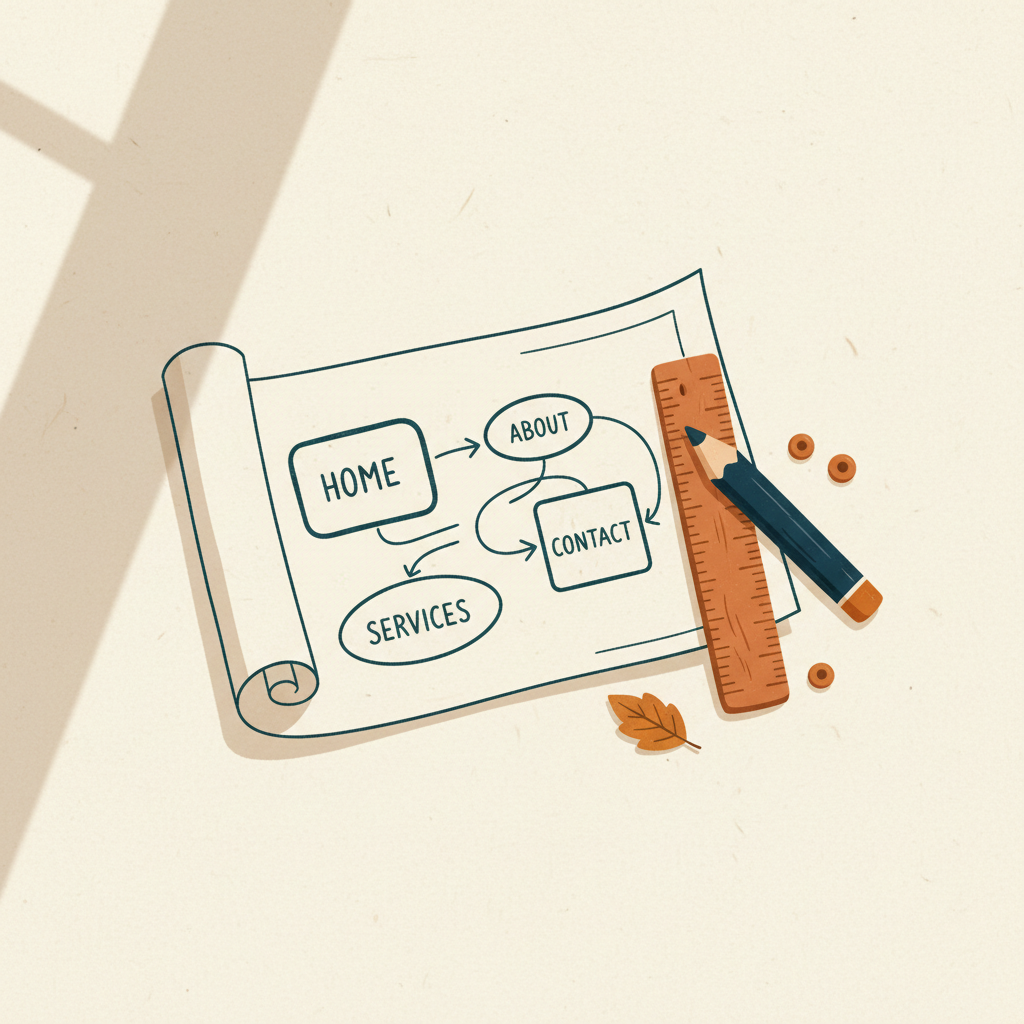
Your website menu is like a roadmap for your customers. If it's confusing, they'll get lost and leave. A clear, logical menu helps visitors find information quickly, making their experience better and encouraging them to stay on your site.
Keep it Simple and Clear
The goal of your website menu is to guide visitors, not to overwhelm them. Avoid stuffing too many options into your main navigation. Think about the most important things your customers need to do or find.
For most small businesses, this includes pages like "About Us," "Services" or "Products," "Contact Us," and maybe a "Blog" or "Portfolio." Use clear, descriptive labels for each menu item. For example, instead of "What We Do," use "Our Services." Instead of "Info," use "About Us." This makes it easy for visitors to understand where each link will take them.
Limit your main menu to 5-7 top-level items. If you have more content, consider using sub-menus or grouping related pages under a broader category.
Prioritize Important Information
Not all pages are equally important. Your menu should highlight the pages that are most critical to your business goals. For example, if you sell products, your "Shop" or "Products" page should be easy to find. If you offer services, your "Services" page should be prominent.
Think about what your customers are most likely looking for when they visit your site. Put those items early in your menu or make them stand out. You might also consider placing important calls to action, like "Request a Quote" or "Book Now," in a distinct button outside of your main navigation, often in the top right corner of your header.
Use Logical Groupings and Sub-Menus
If your business offers many services or products, a simple list in your main menu can become cluttered. This is where sub-menus are useful. Group related items under a main category.
For example, if you're a restaurant, your main menu might have "Menu." When a visitor hovers over or clicks "Menu," a sub-menu could appear with "Breakfast," "Lunch," "Dinner," and "Drinks." This keeps the main menu clean while still providing access to all the detailed information.
Make sure your sub-menus are easy to navigate. They should appear clearly and not hide other content. Avoid going too deep with sub-menus. One or two levels deep is usually enough. More than that can become confusing.
Test Your Menu on Different Devices
People visit websites on many different devices: desktop computers, tablets, and smartphones. Your menu needs to work well on all of them. What looks good on a large screen might be difficult to use on a small phone screen.
On smaller screens, a common solution is a "hamburger" menu icon (three horizontal lines). When tapped, this icon expands to show the full navigation menu. Make sure this icon is visible and easy to tap.
After you set up your menu, test it yourself. Ask friends or family to try navigating your site on their phones and computers. Watch how they use it. Do they easily find what they're looking for? Their feedback can help you spot areas for improvement.
Takeaways
- Keep your main menu simple, with 5-7 clear items.
- Use descriptive names for menu links.
- Prioritize the most important pages for your business.
- Group related content with logical sub-menus.
- Test your menu on different devices, especially mobile.
A well-organized website menu is a core part of a good online presence. Once your site's navigation is clear, you can focus on other elements of your online strategy. If you're ready to get your business online, consider setting up a professional email address that matches your domain. You can usually do this through the same service where you register your domain name.
Get more like this
One short, useful note in your inbox each week, written for people running real businesses.
Up next
Previous · Trust
How to Display Business Accreditations Online
Show your business's credibility by properly displaying important accreditations, certifications, and awards on your website.
Next · Websites
Essential Security Steps for Your Business Website
Protect your small business website from common threats with simple, effective security practices you can implement today.