Domains · June 15, 2026 · 5 min read
How to Transfer Your Domain to a Different Registrar
Moving your domain name from one registrar to another is a common task. Here's how to do it smoothly and avoid any downtime for your website or email.
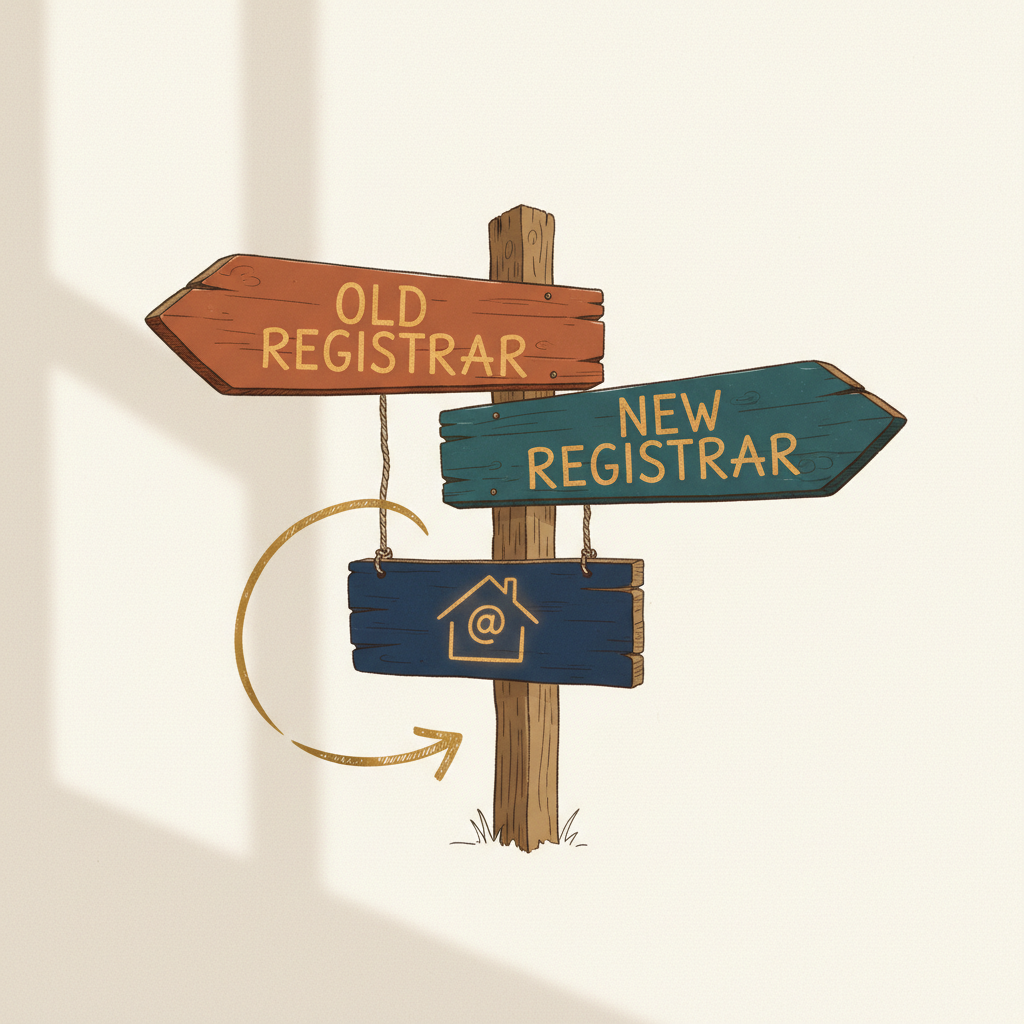
Moving your domain name from one company to another can feel complicated. But it's a routine process. You just need to follow the steps carefully to keep your website and email working without interruption.
Why Transfer Your Domain?
There are several reasons you might want to move your domain. You might be consolidating all your online services with one provider. Or you might be looking for simpler management tools. Sometimes, it's about finding a provider that better suits your needs as your business grows. No matter the reason, transferring a domain is a common task for business owners.
Prepare Your Domain for Transfer
Before you start the transfer process, there are a few important steps to take with your current domain registrar.
First, make sure your domain is unlocked. Domain registrars lock domains to prevent unauthorized transfers. You'll find this setting in your account control panel, often under "Domain Settings" or "Security." Look for an option to "Unlock Domain" or "Disable Registrar Lock."
Second, disable any privacy protection services. Many domain owners use these services to hide their personal contact information in public domain databases. You need to temporarily turn this off. The new registrar needs to be able to see your contact details to complete the transfer. You can re-enable privacy protection after the transfer is done.
Third, confirm your contact information is up to date. The email address associated with your domain is especially important. The transfer process often involves sending approval emails to this address. Make sure it's an email you can access, and that it's not an email address tied to the domain you are transferring (like info@yourdomain.com). If it is, update it to a different email address, like a personal one, for the transfer period.
Finally, get your authorization code. This code is sometimes called an EPP code or transfer key. It's a unique password for your domain that authorizes the transfer. Your current registrar will provide this code within your account settings. You'll need to give this code to your new registrar.
Initiate the Transfer
Once your domain is prepared, you can start the transfer with your new registrar.
Go to the website of the registrar you want to move your domain to. Look for a section like "Transfer Domain" or "Move Your Domain." You'll typically enter your domain name and the authorization code you obtained.
The new registrar will then guide you through the process. This usually involves confirming your contact details and agreeing to their terms of service. You'll also likely pay for at least one year of domain registration at this point, which adds a year to your domain's existing registration period.
Approve the Transfer and Wait
After initiating the transfer, you'll receive several emails. One will likely come from your previous registrar, confirming that a transfer request has been made. Another will come from your new registrar, asking you to approve the transfer. It's important to respond to these emails promptly to keep the process moving.
The entire transfer process can take a few days, typically 5-7 days. During this time, your website and email should continue to work as normal. Domain transfers are designed to be seamless, with no downtime.
Do not make any changes to your DNS settings (like nameservers) during the transfer period. Wait until the transfer is fully complete and confirmed by your new registrar. Once the transfer is done, you can then update your nameservers to point to your hosting provider or website builder, if needed.
Takeaways
- Unlock your domain and disable privacy protection before starting a transfer.
- Update your contact email to one you can access, not tied to the domain itself.
- Obtain your authorization code (EPP code) from your current registrar.
- Initiate the transfer with your new registrar and approve all emails promptly.
- Expect the transfer to take 5-7 days, with no expected downtime for your services.
Transferring your domain is a straightforward process once you understand the steps. If you are looking for a new home for your domain, you can find a reliable domain registrar like GoDaddy at domainsbysynergy.com.
Get more like this
One short, useful note in your inbox each week, written for people running real businesses.
Up next
Previous · Domains
Domain Name Generators: A Guide for Small Businesses
Find the right tool to help brainstorm and pick an available domain name for your business without frustration.
Next · Email
Why Your Business Needs Professional Email
Using a professional email address builds trust with customers and looks more credible than a free email service.