Websites · October 6, 2026 · 5 min read
Why Your Website Needs a Privacy Policy (and How to Add It)
A privacy policy builds trust with your customers and helps your business meet legal requirements for data collection.
Your website collects information about visitors. This might be details they type into a contact form, or it might be data gathered automatically, like their location or what pages they view. A privacy policy tells your visitors what information you collect and how you use it. It's a key part of building trust and meeting legal requirements.
Why You Need a Privacy Policy
A privacy policy serves two main purposes: trust and legal compliance.
First, it builds trust with your customers. In today's digital world, people are more aware of their privacy. A clear privacy policy shows transparency. It tells your visitors you respect their data and are upfront about your practices. This transparency can make them more comfortable interacting with your site, whether that's signing up for a newsletter or making a purchase.
Second, it's often a legal requirement. Many laws around the world, and even some within the United States, require websites to have a privacy policy if they collect personal information. This includes basic things like names, email addresses, and IP addresses. If you use tools like analytics, advertising platforms, or even simple contact forms, you are likely collecting personal data. Not having a policy can lead to legal issues or fines.
What a Privacy Policy Should Include
A good privacy policy doesn't need to be overly long or complex, but it must cover several key points.
It should clearly state:
- What information you collect: List the types of data, such as names, email addresses, phone numbers, IP addresses, browsing behavior, or payment details.
- How you collect it: Explain if data is collected directly (e.g., through forms) or automatically (e.g., through cookies or analytics tools).
- How you use the information: Describe why you collect this data. Is it for order fulfillment, customer support, marketing, website improvement, or analytics?
- Who you share it with: If you share data with third parties (like payment processors, marketing services, or analytics providers), you need to say so.
- How users can control their data: Explain how visitors can access, update, or delete their personal information, or opt out of certain data collection.
- Your contact information: Provide a way for users to ask questions about your privacy practices.
- Effective date: Include the date the policy was last updated.
How to Create Your Privacy Policy
You don't need to be a lawyer to create a privacy policy, but it's important to be accurate.
Many website builders and e-commerce platforms offer tools or templates to help you generate a basic privacy policy. These can be a good starting point. You can also find online privacy policy generators that ask you a series of questions about your website's data practices and then create a draft for you.
When using a template or generator, make sure to customize it. Read through every section carefully and adjust it to reflect your specific business and how you actually collect, use, and share data. Don't just copy and paste. Your policy must be honest and accurate about your practices. If you use analytics, say so. If you collect payment information, explain how it's handled.
Adding Your Privacy Policy to Your Website
Once you have your policy, you need to make it easy for visitors to find.
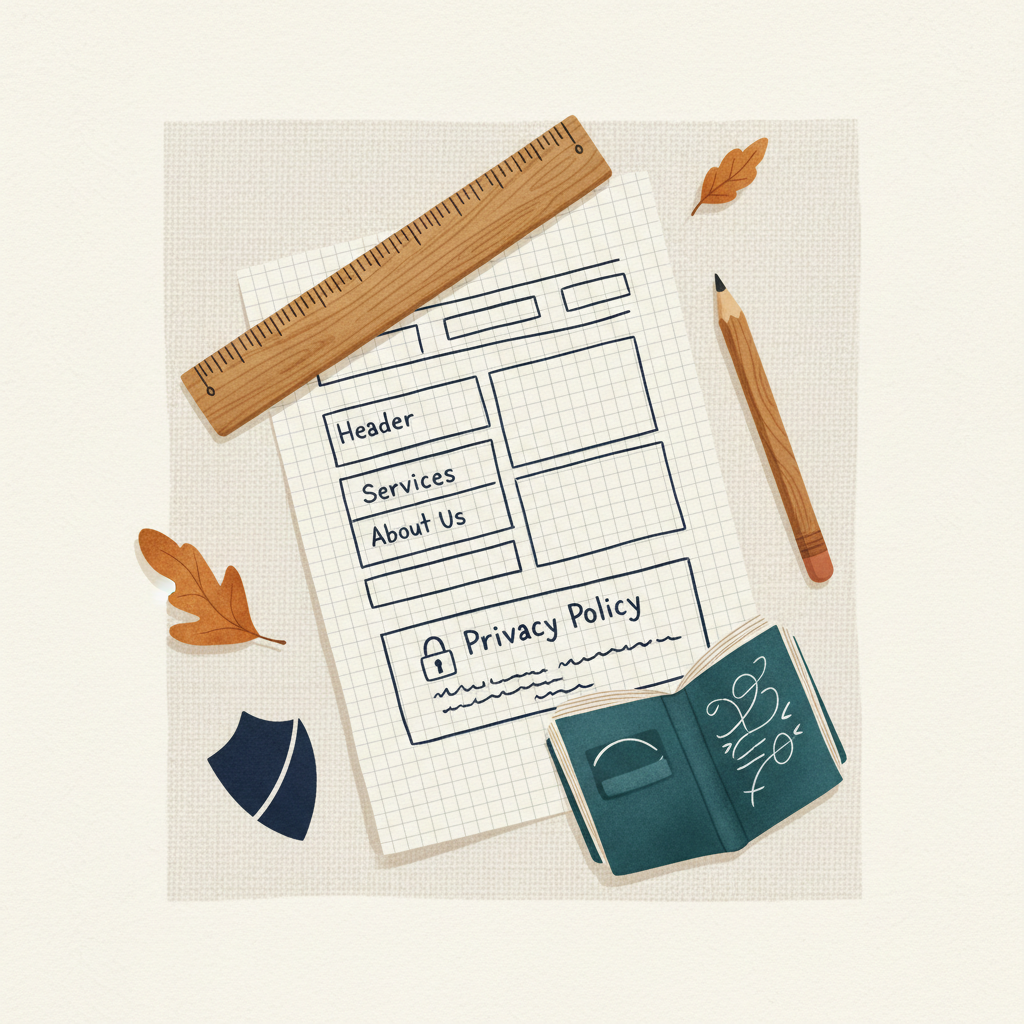
Most websites place a link to their privacy policy in the footer of every page. This is a standard practice and makes the policy accessible from anywhere on your site. You might also link to it on forms where users submit personal information, such as contact forms or sign-up pages.
To add the policy:
- Create a new page on your website specifically for your privacy policy content.
- Copy and paste your policy text onto this new page.
- Add a link to this page in your website's footer. This process usually involves editing your website's navigation or footer section within your website builder or content management system.
- Make sure the link is clearly labeled, for example, "Privacy Policy."
Remember to review and update your privacy policy regularly, especially if your data collection practices change or new laws come into effect.
Takeaways
- A privacy policy builds customer trust and meets legal requirements.
- It must explain what data you collect, how you use it, and who you share it with.
- Use templates or generators as a starting point, but customize them fully.
- Place a clear link to your policy in your website's footer.
- Review and update your policy regularly.
Creating and displaying a privacy policy is a straightforward step that boosts your credibility and protects your business. If you're setting up a new website, make sure to include this important document as part of your launch plan. You can register a domain, set up professional email, and find website building tools through a domain registrar to get started.
Get more like this